 How-to
How to Hire Reliable Home Technology Contractors
Last Updated: November 15, 2026
Quick Summary
Hiring reliable home technology contractors means verifying insurance and licensing, comparing quotes on scope rather than price, and confirming who handles electrical work. Ask for a certificate of insurance you can confirm with the insurer, check the license number in your local database, and get warranty terms written into the contract.
- Ask for a certificate of insurance and call the insurer to confirm the policy is active.
- Low-voltage cabling like HDMI and Ethernet is separate from line-voltage electrical work, which belongs to a licensed electrician.
- Read two- and three-star reviews first, since they describe real friction more honestly than five-star praise.
- A written scope should list exact equipment model numbers, cable routes, and what is included versus extra.
- Tie final payment to a completed walkthrough where you confirm the system works.
Table of Contents
- What a Reliable Home Technology Contractor Actually Does
- A Homeowner Checklist for Vetting Home Technology Contractors
- Low-Voltage vs. Line-Voltage: What Your Contractor Should Know
- Questions to Ask a Smart Home Installation Contractor
- What to Expect from Professional Home Theater Installation
- TV Mounting and Installation: Quotes, Prep, and What to Compare
- Contracts, Warranties, and Post-Installation Support
- Schedule Your Installation with All Around Technologies LLC
- Frequently Asked Questions
What a Reliable Home Technology Contractor Actually Does
Hiring reliable home technology contractors starts with understanding what the job really involves. You can review the range of home automation installation services a qualified contractor can deliver.
This guide from All Around Technologies LLC walks through the vetting questions, quote comparisons, and contract terms that separate a smooth project from an expensive mess.
Most homeowners assume the hard part is choosing equipment. It isn't. The install decides whether a system feels effortless or becomes a daily frustration.
A reliable contractor handles several things at once:
- Site assessment: checking wall structure, stud placement, outlet locations, and signal coverage before quoting
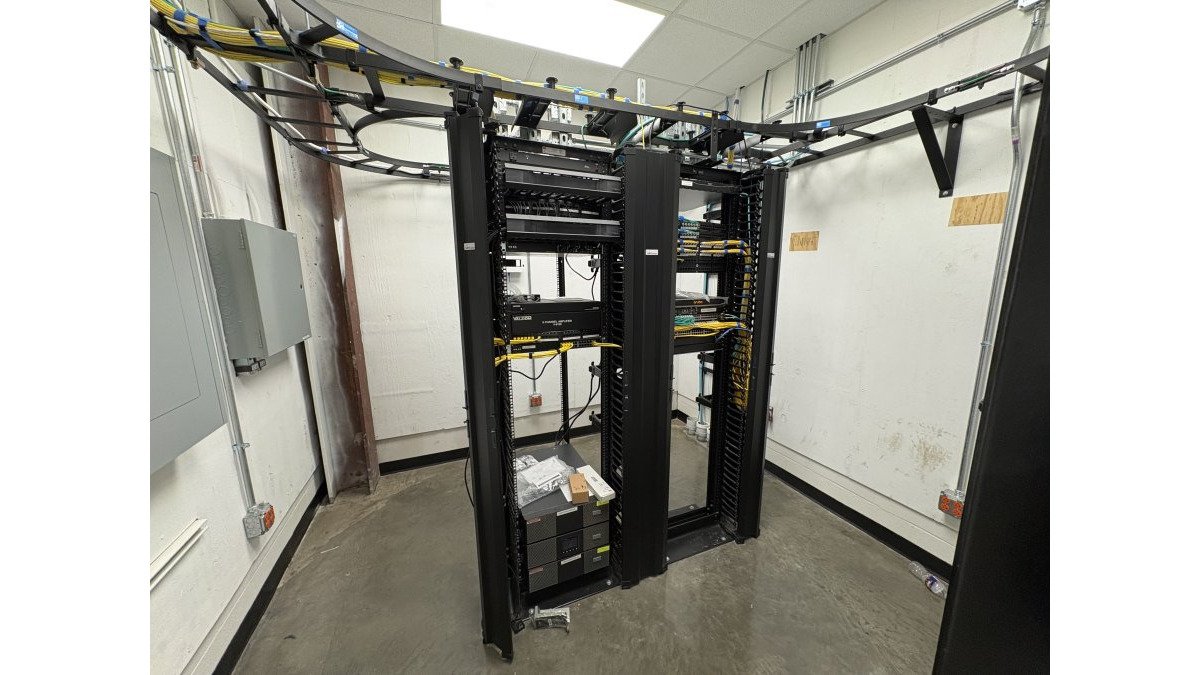
- Cable planning: routing HDMI, Ethernet, and speaker wire cleanly, often concealed in-wall
- System integration: making smart devices from different brands talk to each other
- Cleanup and handoff: patching, testing, and walking you through how everything works
The best ones also tell you what they won't do.
A Homeowner Checklist for Vetting Home Technology Contractors
Vetting comes down to paperwork, references, and red flags. Most ranking pages stop at "ask for insurance and check reviews." That advice is useless without knowing how to verify what you're handed. Here is the practical version.
Licensing, Insurance, and Permits to Confirm
Ask every candidate three questions before anything else: Are you insured? What license applies to this work in my area? Who pulls permits if they're needed?
Insurance, how to actually verify it. Ask for a certificate of insurance (often called a COI) and read it rather than glance at it. You want to see:
- General liability coverage, which protects your home and belongings if the crew damages drywall, flooring, or equipment
- Workers' compensation coverage, which matters if someone is injured on your property, without it, the injury can come back to you
- The policy effective and expiration dates, so you know it's current
- Your name and address listed correctly as the project location, when the insurer will do so
A legitimate contractor can have their insurer send a COI directly to you.
Licensing, how to check it. Licensing rules vary by state and municipality, and low-voltage work is regulated differently from line-voltage electrical work. Rather than assume, ask the contractor to explain what applies to your project and who is responsible for permits. Then verify independently:
- Ask for the license number in writing, not just a verbal yes
- Look up the number in your state or local licensing database, most jurisdictions publish a searchable lookup
- Confirm the license type matches the work (a general contractor license is not the same as an electrician license)
- Check the expiration date and whether the license is active or suspended
If a contractor brushes off the question or can't produce a number, that's your answer.
Permits, who pulls them. Some technology work needs a permit and some doesn't, and the rules differ by jurisdiction.
References, Reviews, and Red Flags
Recent, local references beat a portfolio of glossy photos. Ask for two or three customers from the past year with similar projects, and actually call them. Ask each reference three things: Did the crew show up when promised?
Reviews are useful but easy to game. Read the two- and three-star reviews first, they tend to describe real friction (late arrivals, surprise charges, callbacks) more honestly than five-star praise.
Red flags worth taking seriously:
- A quote given over the phone without seeing the space
- Pressure to pay the full amount upfront
- No written scope of work
- Vague answers about who does the actual installation
- No physical business address or verifiable contact information
- A license number that doesn't check out or a COI you can't confirm
One slow response isn't disqualifying. A pattern of evasion is.
Low-Voltage vs. Line-Voltage: What Your Contractor Should Know
Low-voltage cabling carries signals; line-voltage wiring carries household power. HDMI, Ethernet, and speaker wire are low-voltage.
This distinction matters more than most homeowners realize.
Here's what falls on each side:
| Work Type | Examples | Who Should Do It |
|---|---|---|
| Low-voltage | HDMI, Ethernet, speaker wire, coax | Technology installer |
| Line-voltage | New outlets, dedicated circuits, recessed receptacles | Licensed electrician |
| Mixed | In-wall TV power + signal cables | Both, coordinated |
A standard power cord or extension cord should never be run inside a wall.
Ask candidates how they handle this handoff. The good ones have a clear answer and a working relationship with electricians in the area.
Questions to Ask a Smart Home Installation Contractor
The right questions reveal how a contractor thinks.
For a deeper walkthrough of what a professional visit involves, our guide on professional TV mounting service covers the process step by step.
Smart home projects fail for predictable reasons: incompatible hubs, weak Wi-Fi, and devices that were never properly commissioned.
Specific questions worth asking:
- Can you get my existing devices from different brands working together?
- How do you test the network before and after installation?
- What documentation do you leave behind?
- If a device fails in six months, who do I call?
- Will you show me how to use everything before you leave?
That last one matters. If you're not tech-savvy, a proper handoff, with a walkthrough and written notes, is part of the job, not a bonus.
What to Expect from Professional Home Theater Installation
Professional home theater installation covers more than hanging a screen. It includes room assessment, speaker placement, acoustic considerations, cable concealment, and calibration so the system performs the way it was designed to.
For homeowners planning a home theater, our team can help with the setup, including home theater installation in the Royse City area.
What most guides miss is how much of the result depends on the room itself.
TV Mounting and Installation: Quotes, Prep, and What to Compare
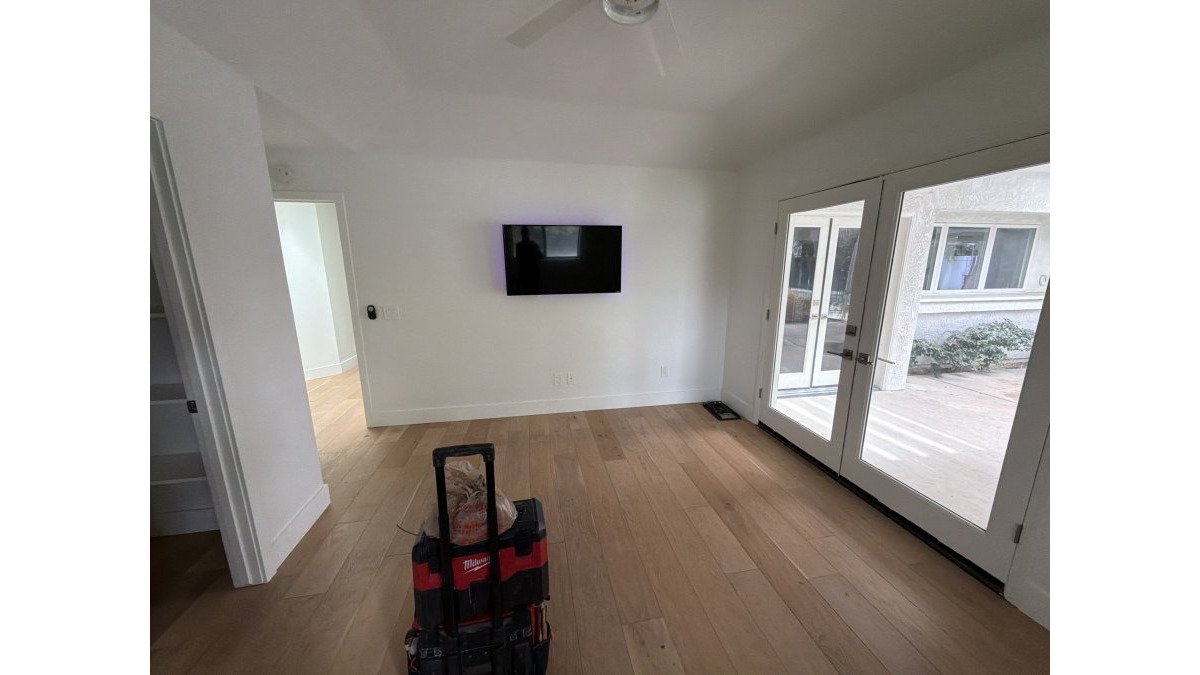
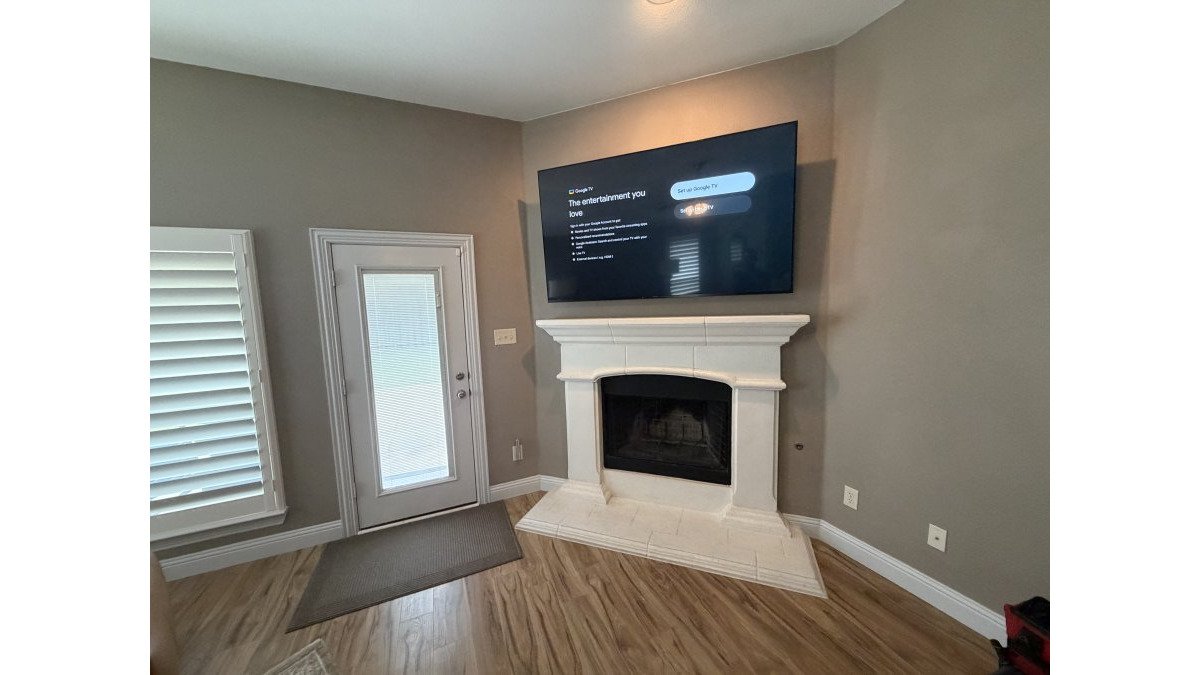
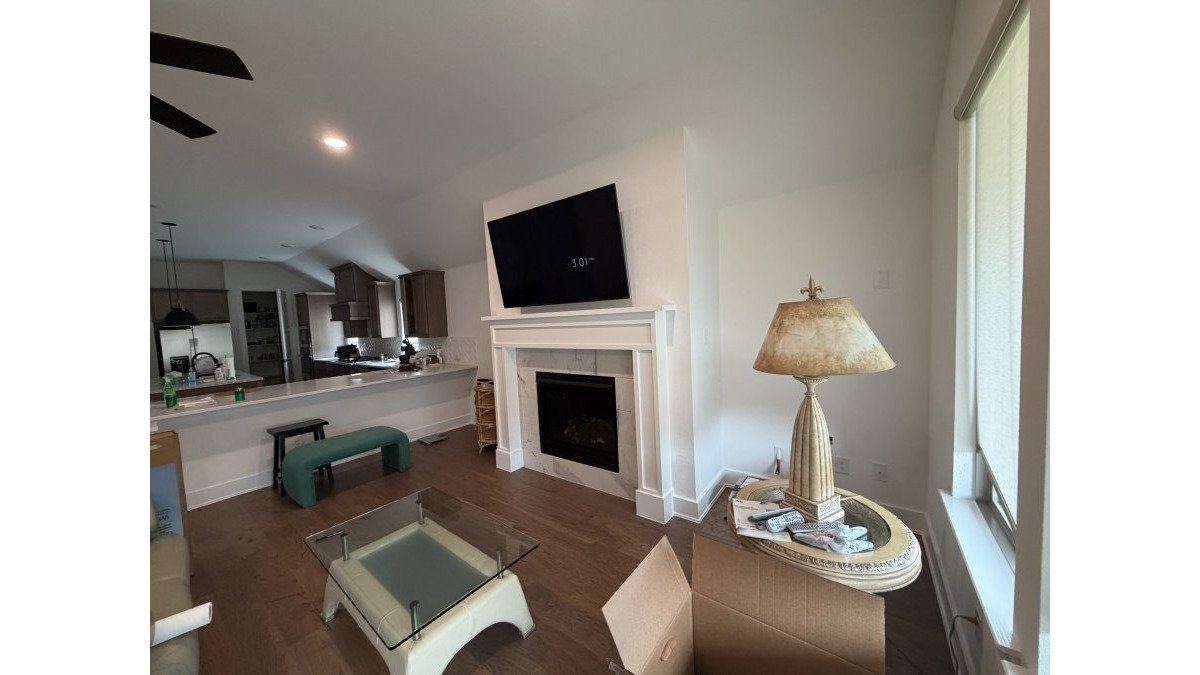
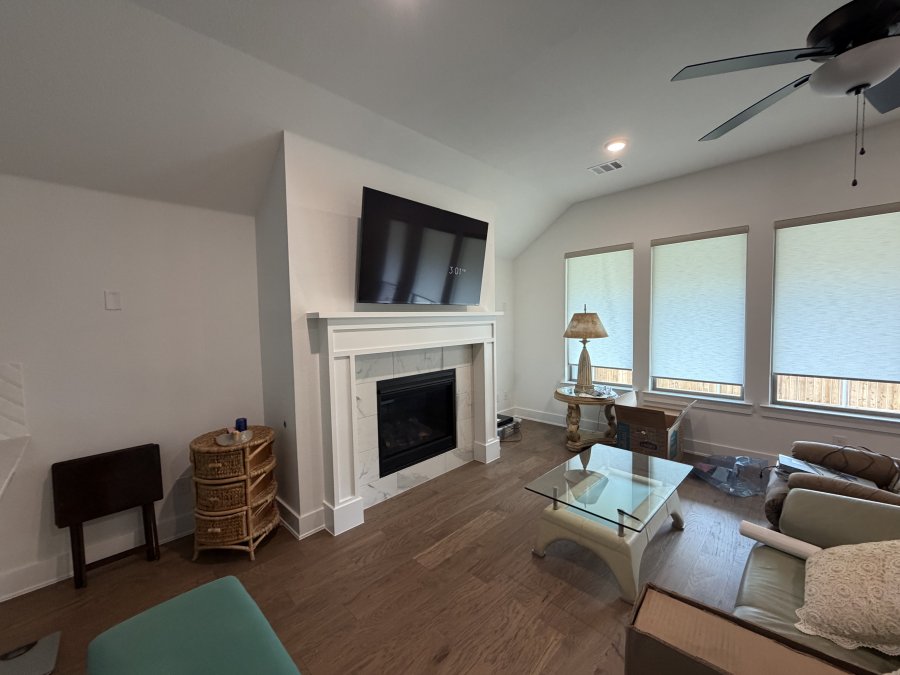
TV mounting quotes vary because the work varies. Wall material, mount type, cable concealment, and height all affect the job.
Our article on the cost of professional TV mounting breaks down what drives estimates so you can compare fairly.
Before quotes arrive, do a little prep:
- Decide on the room and wall
- Note whether the wall is drywall, brick, or stone
- Identify where outlets and existing cables sit
- Confirm whether you want wires hidden in-wall
Then compare quotes line by line. A cheap quote that excludes cable concealment, mount hardware, or drywall patching isn't actually cheaper.
Watch out: a quote that's dramatically lower than the rest usually means something was left out.
Contracts, Warranties, and Post-Installation Support
A written contract should state the scope, timeline, payment schedule, and what happens if something goes wrong. That's the minimum. The details below are where projects actually get protected, and where most guides leave you hanging.
What the Written Scope Should Pin Down
A scope of work that says "install TV and sound system" is not a scope. It should specify:
- Exact equipment, including model numbers, so there's no substitution later
- Mount type and location, including wall height and stud attachment method
- Cable routes, including whether wires are concealed in-wall and how drywall openings are patched
- What's included vs. extra, mount hardware, patching, paint touch-up, haul-away of packaging
- Who supplies what, you or the contractor
- Start and completion dates, or at least a realistic window
- The change-order process, how added work gets priced and approved in writing before it happens
Payment Structure That Protects You
A common pattern that protects homeowners is a deposit to reserve materials and schedule time, with the balance due at completion after a walkthrough. Be cautious of any request to pay the full amount before work begins, and be cautious of large cash-only arrangements with no receipt trail.
Ask what triggers each payment. Tying the final payment to a completed walkthrough, where you confirm the system works and you've been shown how to use it, gives you leverage if something isn't right.
Warranty Terms, Read Them Separately
Workmanship coverage and manufacturer equipment coverage are different things, and one often outlasts the other. Ask how long each lasts and who handles a claim.
- Workmanship warranty covers the installation itself, a mount that pulls loose, a cable that fails, a connection that comes apart. Ask how long it runs and whether it covers a return visit.
- Equipment warranty comes from the manufacturer, not the installer. Ask who files the claim and whether the contractor handles the swap or you do.
- What voids coverage, homeowner modifications, moving equipment, or third-party tampering often void workmanship coverage. Know the rules before you touch anything.
Get the warranty terms in the contract, not in a verbal promise.
Post-Installation Support
Post-installation support is where contractors separate themselves. Ask:
- Who do I contact if a device stops working, and what's the response window?
- Is there a charge for a return visit, and under what conditions is it waived?
- Do you provide documentation of the cable routes and equipment model numbers?
- Will you walk me through the system and leave written notes?
That documentation is worth keeping. If you sell the home or add devices later, it saves hours of guesswork, and any future installer will thank you for it.
At All Around Technologies LLC, we are ready to discuss the details of your project and provide a quote. If you'd rather have it done right the first time, contact us to schedule an installation or request a quote.
Schedule Your Installation with All Around Technologies LLC
The hardest part of hiring reliable home technology contractors is knowing which questions to ask.
If you'd rather have it done right the first time, contact us to schedule an installation or request a quote.
Ready to stop guessing and get your system installed properly? All Around Technologies LLC handles TV mounting, home theater, security cameras, and network cabling with a clear scope and a proper handoff.
Frequently Asked Questions
How do I find a reliable home technology contractor?
Start with local referrals and read reviews that mention punctuality, cleanup, and follow-through. Ask each home technology contractors candidate for proof of insurance, a written scope of work, and two or three recent references you can call. Confirm they will put the project details in writing, including what happens if a wall or cable run does not go as planned. A contractor who answers these questions directly and without pressure is usually the safer choice.
What should a home technology installation estimate include?
A useful estimate lists the labor, equipment, cable and mounting hardware, wall repair or patching, and any disposal or cleanup. It should state whether the price is fixed or hourly, what the contractor will not do, and how change orders are handled. For TV mounting and installation, ask whether the quote covers stud finding, wire concealment, and drywall repair. Compare line items across quotes rather than the bottom line alone, since a low total often leaves out patching or cable.
Who should install in-wall TV cables and network cabling?
Low-voltage cables such as HDMI, Ethernet, and speaker wire can be run by a qualified technology installer, but any line-voltage electrical work, including adding or moving an outlet behind a TV, should go to a licensed electrician. Ask your contractor how they separate the two and whether they coordinate with an electrician when power is needed. Never allow a standard power cord or extension cord to be run inside a wall.
What should I prepare before a home technology contractor visits?
Clear access to the walls and attic or crawlspace the installer will use, move fragile items away from work areas, and note where you want devices placed. Have your Wi-Fi password, equipment manuals, and a list of smart devices and brands ready so the smart home installation contractor can check compatibility. Tell the contractor about any existing wiring, old alarm systems, or planned renovations, since those details affect the scope and the quote.