 how-to
Professional TV Mounting Service: What to Know
Table of Contents
- What Professional TV Mounting Service Includes
- TV Mounting Height and Placement for Comfort
- Choosing the Right Wall Mount Type
- How to Hide TV Wires in Wall Safely
- TV Mounting Above Fireplace: Special Considerations
- Installing with Your Own TV Mount
- When to Call a Professional Installer
- Frequently Asked Questions
Last Updated: October 11, 2026
What Professional TV Mounting Service Includes
A professional TV mounting service handles everything from planning the installation to securing your television safely on the wall. This goes far beyond simply bolting a bracket to drywall. When you hire a professional team, you're getting site assessment, proper bracket selection, secure fastening to wall studs, cable management, and final testing to ensure everything works correctly.
The assessment phase is critical. A technician evaluates your wall type (drywall, brick, plaster, or concrete), the TV's weight and size, viewing distance, and electrical outlet locations. This determines which mounting bracket will work best and whether you need additional reinforcement. Many homeowners underestimate how much planning goes into a proper installation.
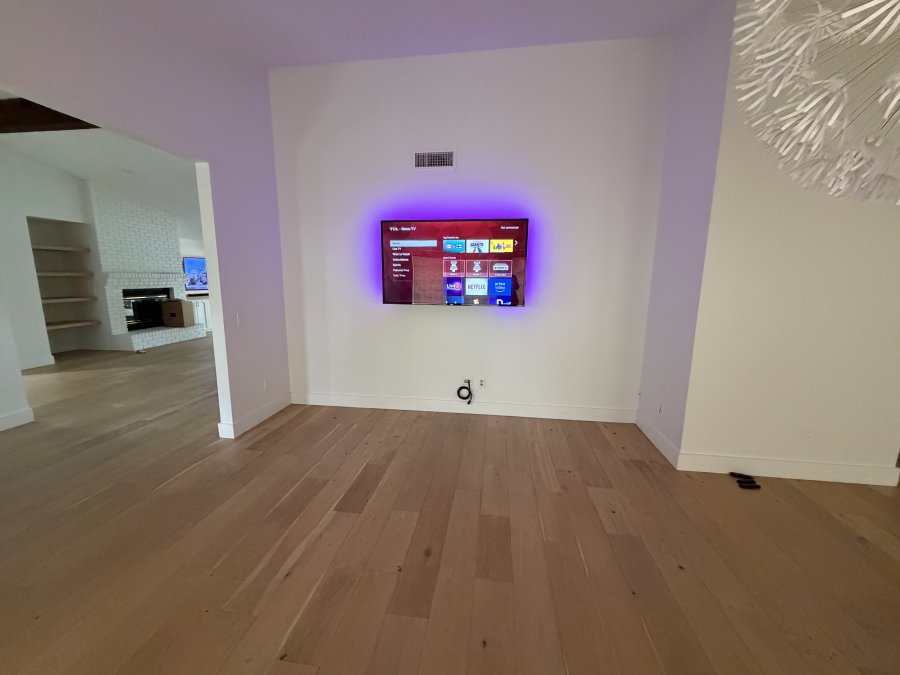
Cable routing is where professional work really shows. Rather than running power cords and HDMI cables along the wall surface, professionals hide these cables behind the wall or through conduit, creating a clean, finished look. This requires knowledge of wall construction and careful planning to avoid damaging existing electrical lines or plumbing.
Testing and calibration round out the service. The technician confirms the TV is level, secure, and properly angled for comfortable viewing. They test all connections, power, HDMI, audio, and walk you through the setup. At All Around Technologies LLC, we handle the entire process so you can simply enjoy your installation.
TV Mounting Height and Placement for Comfort
The ideal viewing height depends on where you sit and how far you are from the screen. Most experts recommend mounting the center of the TV at or slightly below eye level when you're seated in your primary viewing position. This reduces neck strain during extended viewing sessions.
A common rule is to place the TV center at about 42 inches from the floor for typical seating heights. However, if you're mounting above a fireplace or in a space where seating is higher or lower, adjust accordingly. Measure from your couch to the wall and position the center of the screen where your eyes naturally rest when seated.
Distance from the wall also matters. Sit in your main viewing spot and note how far you are from where the TV will hang. For a 55-inch TV, most people are comfortable 7 to 10 feet away. For larger screens, increase the distance. Closer viewing can cause eye fatigue; too far away and you'll miss detail.
Consider the room's lighting, too. Position the TV to minimize glare from windows or overhead lights. If that's not possible, you may need to adjust the mount's tilt angle to reduce reflections. A professional can help you find the sweet spot that works for your specific room layout.
Choosing the Right Wall Mount Type
Wall mounts come in three main styles: fixed, tilting, and full-motion. Each serves different needs and viewing scenarios.
Fixed mounts hold the TV flat against the wall with no adjustment. They're the simplest option, least expensive, and work well if your seating is directly in front of the TV. Fixed mounts take up minimal space and look sleek, but you can't adjust the angle if you need to reduce glare or accommodate different seating positions.
Tilting mounts allow you to angle the TV up or down after installation. This is useful if you're mounting above eye level or if you want to reduce glare from windows. The TV stays flush to the wall but can tilt 15 to 20 degrees.
Full-motion mounts extend out from the wall and swivel side to side, tilt up and down, and sometimes rotate. These are ideal for large rooms where people sit at different angles, or for mounting a TV where it's not centered on the wall. Full-motion mounts are more visible and take up more space, but they offer the most flexibility.
Your wall type influences the mount choice, too. Drywall requires the bracket to be anchored into studs, which are typically 16 inches apart. If studs don't align with your ideal TV position, you may need a mount that spans a wider area or a mount with offset arms.
How to Hide TV Wires in Wall Safely
Hiding TV wires in the wall is one of the most requested parts of a professional TV mounting service, but it requires care to avoid damage and safety issues. The process depends on your wall type and what cables need to be routed.
Low-voltage cables like HDMI, Ethernet, and audio cables can run inside walls without special precautions. These carry minimal electrical current and don't generate significant heat. The challenge is routing them without damaging existing wiring or plumbing.
Before running any cables, locate electrical outlets, light switches, and plumbing in the wall. A stud finder with wire detection helps identify existing electrical lines. Mark these areas clearly. Plan your cable route to avoid them entirely. Running cables parallel to studs and away from outlets reduces risk.
Power cords and extension cords must never run inside walls. These carry high voltage and generate heat, creating a fire hazard if they contact insulation or other materials. Instead, run a dedicated outlet behind the TV location.
For cable routing, use a fish tape or flexible conduit to guide cables through the wall cavity. Make small holes at the TV location and at the outlet or cable box below. Feed cables through carefully, avoiding sharp edges or nails.
Many homeowners try this as a DIY project and end up with kinked cables or damaged drywall. A professional has the tools and experience to route cables cleanly without creating problems down the road.
TV Mounting Above Fireplace: Special Considerations
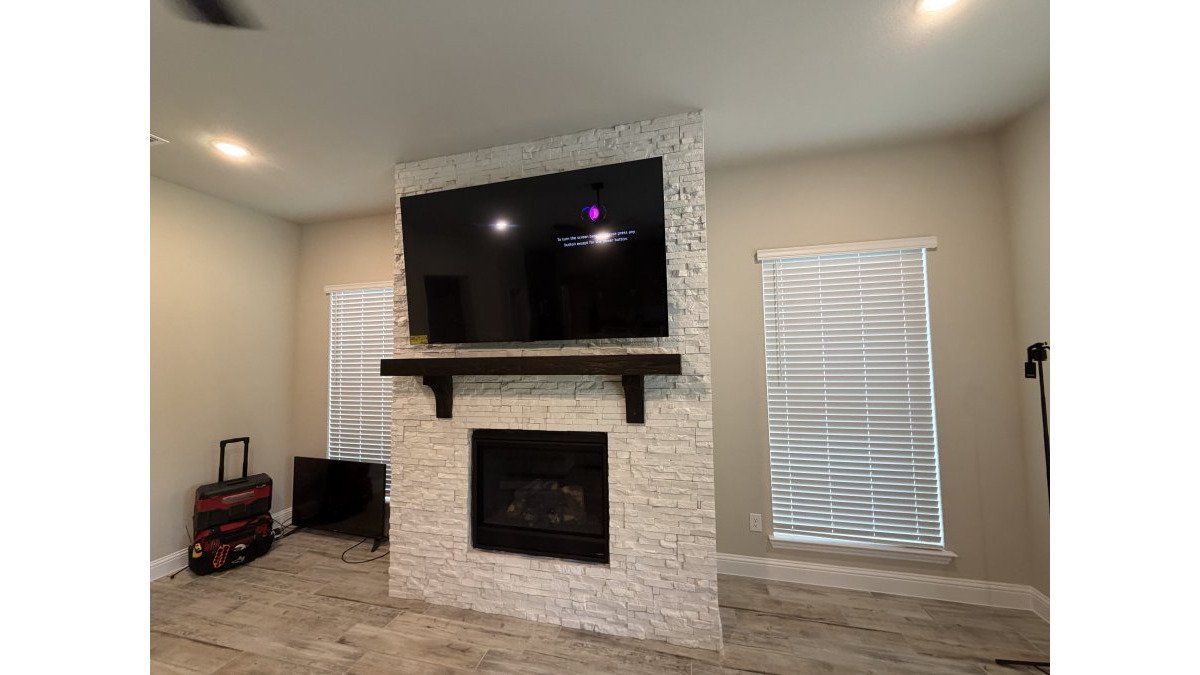
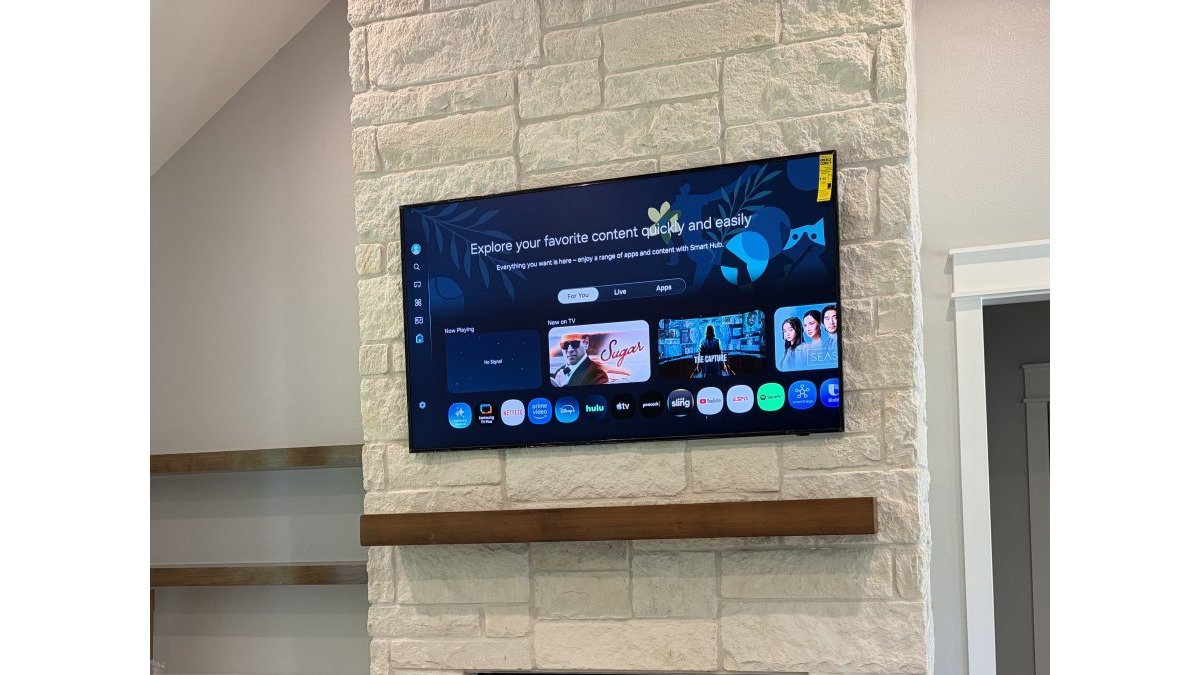
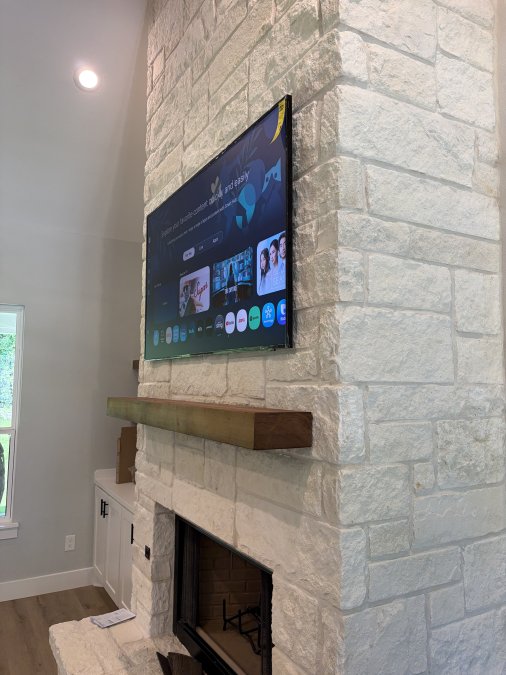
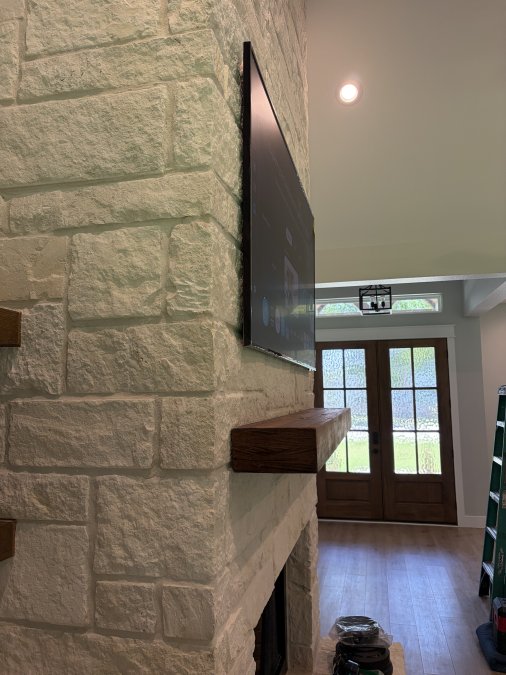
Mounting a TV above a fireplace is tempting for space and aesthetics, but it comes with unique challenges that often surprise homeowners. Heat, viewing angle, and wall structure all require careful planning.
Heat is the primary concern. Fireplaces generate significant warmth, especially if used frequently. This heat can damage electronics over time, affecting the TV's lifespan and performance. If you have a wood-burning fireplace, heat and smoke rise directly into the TV.
To minimize heat damage, install a heat shield or mantel above the fireplace opening to deflect heat away from the TV. Some homeowners add a metal or stone shield that projects outward and upward. This helps, but it doesn't eliminate the problem entirely.
Viewing angle is another issue. Most fireplaces are built into walls at a height that places the TV very high when mounted directly above. This forces you to look up at the TV, causing neck strain. If your seating is far from the fireplace, the angle becomes even steeper.
Wall structure around fireplaces is often different. The area above a fireplace may have a thinner wall, different framing, or materials like brick or stone that require specialized fastening. A professional assessment is essential to ensure the mount is secure and won't damage the fireplace structure.
If you're set on mounting above the fireplace, work with a professional who understands fireplace construction. They can assess heat risk, recommend appropriate heat shielding, and ensure the mount is properly secured to the wall framing, not just the fireplace structure itself.
Installing with Your Own TV Mount
Some homeowners already own a TV mount and want to use it rather than purchase a new one. This is possible if the mount is compatible with your TV and wall, but there are important considerations.
First, verify that your existing mount is rated for your TV's weight and size. Check the mount's specifications and compare them to your TV's VESA pattern (the bolt hole spacing on the back of the TV) and weight. If the mount wasn't designed for your specific TV, don't force it. An incompatible mount can damage the TV or fail to hold it securely.
Second, assess your wall. If the mount requires studs and your desired location doesn't have studs in the right places, you'll need a different approach. Some mounts can span larger areas or use specialized fasteners for drywall, but this reduces stability. A professional can evaluate whether your wall can safely support your mount in your preferred location.
Third, check the mount's condition. If it's used or older, inspect the bracket for cracks, corrosion, or bent components. Damage that's not visible may affect performance. If you're uncertain about the mount's integrity, have a professional evaluate it before installation.
Many people bring us their own mounts, and we're happy to install them if they're appropriate for the job. If we identify a safety concern, we'll let you know. Sometimes a small upgrade to a better-matched mount is worth the investment for peace of mind.
When to Call a Professional Installer
You might wonder whether a TV mounting service is worth the investment. Here are situations where professional installation makes clear sense.
Heavy TVs (50+ inches) require professional mounting. These are heavy, awkward to handle, and the stakes for improper installation are high. A fall can cause serious injury and expensive damage.
Complex cable routing is best left to professionals.
Unusual wall types like brick, stone, or plaster require specialized knowledge. These materials need different fastening methods than drywall. A professional knows which anchors and techniques work best for each surface.
Fireplace mounting warrants professional assessment. The combination of heat, viewing angle, and structural considerations makes this a job where professional guidance prevents costly mistakes.
Electrical work should always involve a qualified electrician. If you need a new outlet behind the TV or dedicated power supply, this is not a DIY task. Improper electrical work creates fire hazards and violates building codes.
Smart home integration and audio setup are easier when handled professionally. If you're connecting multiple devices, running speaker wires, or integrating with a home automation system, a professional can set everything up to work seamlessly together.
At All Around Technologies LLC, we serve homeowners throughout the area with professional TV mounting and home theater installation.
Getting a TV mounted properly makes a real difference in how much you enjoy it. Whether you choose to DIY or hire a professional, the key is taking time to plan the installation carefully.
Frequently Asked Questions
How high should a TV be mounted for comfortable viewing?
Mount your TV so the center of the screen is at eye level when you're seated. For most living rooms, this means 42 to 60 inches from the floor to the center of the screen. The exact height depends on your seating distance, furniture height, and room layout. If you're unsure, a professional installer can help you find the ideal position before drilling any holes.
Can I use my own TV wall mount for professional installation?
Yes, many professional installers, including All Around Technologies LLC, can install mounts you've purchased separately. Just make sure your mount is compatible with your TV's VESA pattern and weight capacity. Bring the mount specifications when you request a quote so the installer can verify compatibility and discuss any additional considerations.
How can I hide TV wires in the wall safely?
Professional installers run low-voltage cables like HDMI and Ethernet through the wall cavity behind your TV, then route them to a power outlet or external components. This requires careful drilling and sometimes running conduit to protect the cables. Never run a standard power cord inside a wall. If your setup requires line-voltage electrical work, an appropriately qualified electrician should handle that part.
Can a TV be mounted above a fireplace?
Yes, but it requires special attention to heat management. Heat from the fireplace can damage electronics, so you'll need proper ventilation above the TV and heat-resistant materials. The mounting height must also account for safe viewing angles and heat exposure. A professional installer can assess your fireplace setup and recommend the safest placement and ventilation strategy.