 how-to
Why Professional AV Installation Matters for Your Home
Table of Contents
- Why Professional AV Installation Matters More Than You Think
- What a Professional AV Installer Actually Does
- Professional TV Mounting: Safety, Placement, and Cable Management
- Hidden TV Wires: Clean Looks Without Cutting Corners
- Home Theater Installation: More Than a Big Screen
- Network Cabling Installation: The Backbone of Reliable AV
- DIY vs. Hiring a Professional: What You're Really Comparing
- How All Around Technologies Approaches an AV Installation
- Frequently Asked Questions
Last Updated: October 5, 2026
Why Professional AV Installation Matters More Than You Think
A wall-mounted TV looks simple in a photo. In reality, it hangs on a few bolts, a bracket, and the hope that someone found the studs.
At All Around Technologies LLC, we install TVs, audio systems, cameras, and network cabling for homes and businesses around Royse City and the surrounding communities. This guide covers what a professional AV installer does, where DIY setups go wrong, and what is worth hiring out.
What a Professional AV Installer Actually Does
A professional AV installer plans, mounts, wires, and tests your audio and video equipment so it works as one system. The job starts before any drilling.
Here is what the work usually includes:
- Walking the room to plan screen placement, seating, and speaker positions
- Locating studs and choosing a mount rated for your TV's weight and size
- Running cables inside walls or through ceilings
The planning step is the one most people skip. A 65-inch TV weighs far more than most people guess, and the mount has to match both the weight and the wall.
Professional TV Mounting: Safety, Placement, and Cable Management
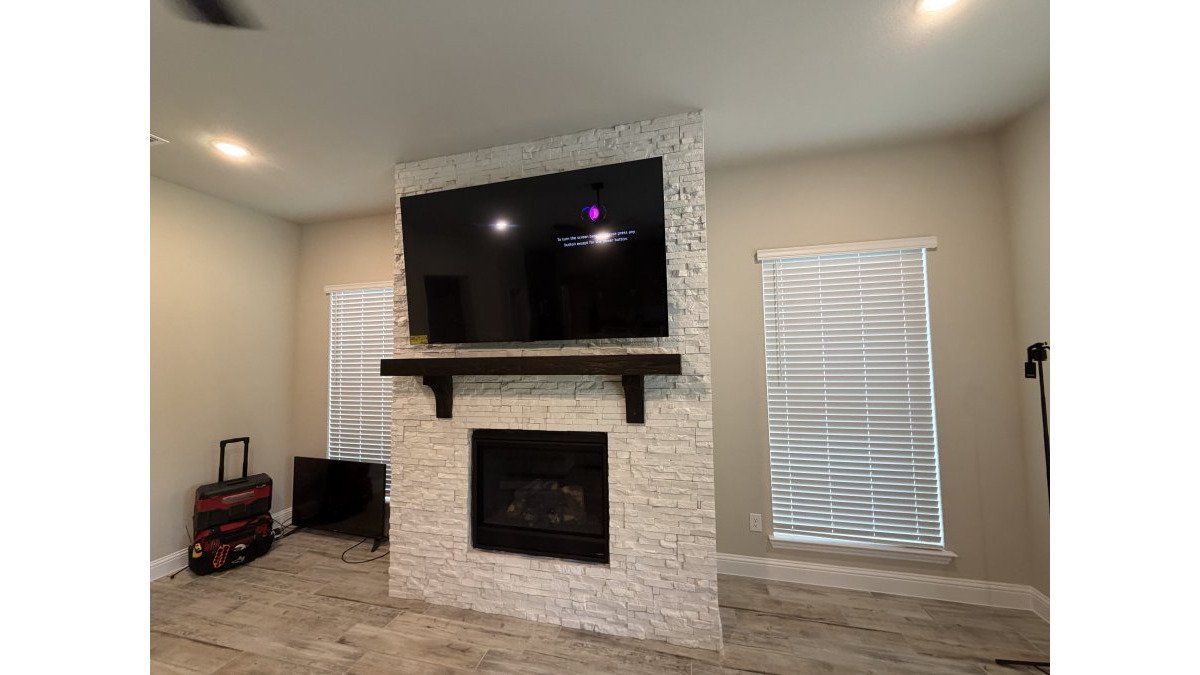
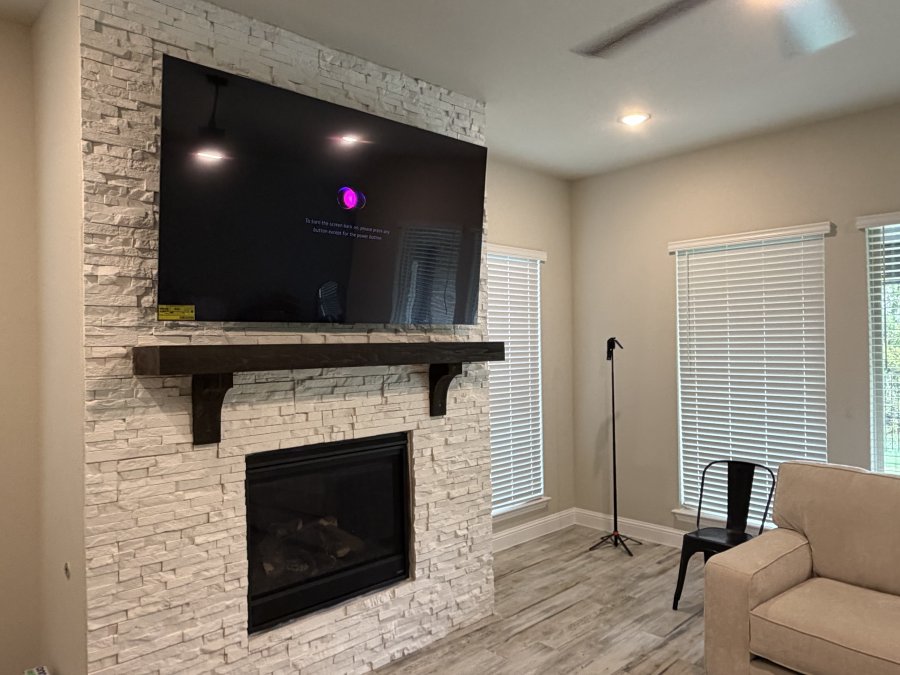
Professional TV mounting is mostly a math and safety problem before it is a looks problem. The screen has to sit at the right height, on a mount rated for its weight, anchored into something solid.
Finding Studs and Choosing the Right Mount
Studs sit behind drywall at regular spacing, but they are never where you assume. A stud finder plus a level tells you where the bracket can safely attach.
Mount types matter too:
- Fixed mounts hold the TV flat and close to the wall. Best for a single viewing spot.
- Tilt mounts angle the screen down slightly. Useful when the TV sits higher than eye level.
- Full-motion mounts pull out and swivel. Great for open floor plans, but they need heavier anchoring.
Getting the Viewing Height Right
The most common placement mistake is mounting too high. A good rule: the center of the screen should sit near eye level when you are seated, usually well below where people guess.
Cable management is the other half of the job. Cables should run behind the wall or through a channel, not dangle down to an outlet.
Hidden TV Wires: Clean Looks Without Cutting Corners
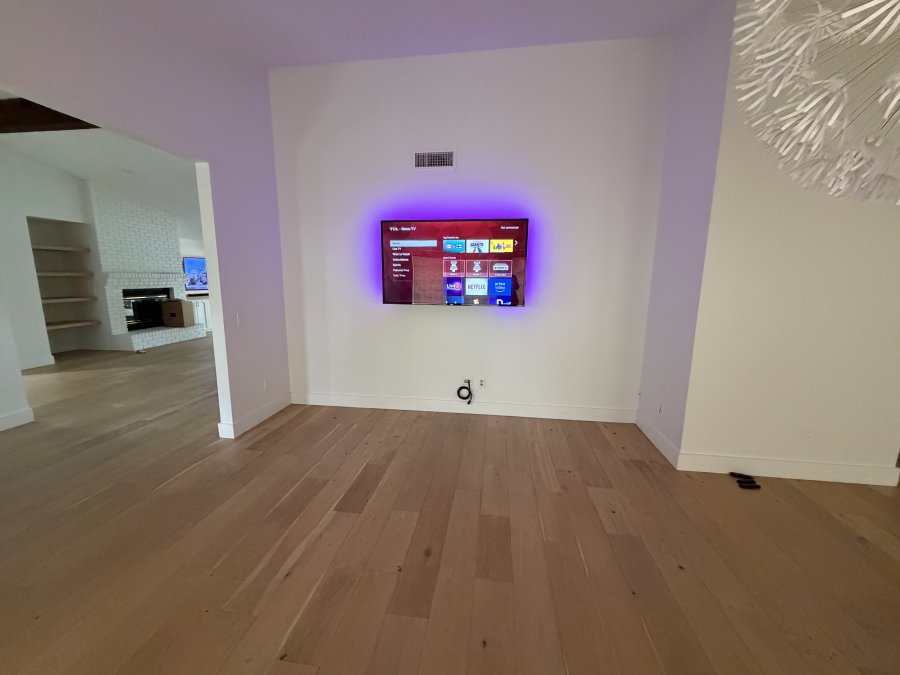
Hidden TV wires are the difference between a finished room and a project that never quite ended. Running cables inside the wall gives you a clean look, but the method matters.
Low-Voltage Cables vs. Line-Voltage Wiring
This is where homeowners get into trouble, so let's be clear:
- Low-voltage cables carry signals. HDMI, Ethernet, coaxial, and speaker wire are all low-voltage.
- Line-voltage wiring carries household power. That is the wiring inside your walls that feeds outlets and switches.
A signal cable can often be fished through a wall with the right tools. Power is a different job. You should never run a standard power cord or an extension cord inside a wall. That is a fire hazard.
If a new outlet is needed behind the TV, that is electrical work.
Home Theater Installation: More Than a Big Screen
Home theater installation is about how the room sounds and feels, not just how big the picture is. A large TV with poor speaker placement sounds thin, and a great sound system in a room with hard floors and bare walls can sound worse than a modest setup in a carpeted room.
Start With the Room, Not the Gear
Before picking speakers or a receiver, a good plan answers a few questions:
- Where does everyone sit? The main listening position drives speaker angles and screen size.
- How far away is the screen? Seating distance and screen size should match. Sit too close and the picture looks grainy; sit too far and you lose the immersive effect.
- What are the walls, floor, and ceiling made of? Hard surfaces reflect sound; carpet, rugs, curtains, and upholstered furniture absorb it. The same speakers can sound bright in one room and muddy in another.
Speaker Layout and the Pieces That Matter
A surround system is a set of roles, not a pile of speakers.
- Front left and right. These carry most of the soundtrack and should sit near ear height when you are seated, angled toward the main seats.
- Center channel. This carries most dialogue. Skip it and you will crank the volume to hear talking, making everything else too loud.
- Surround speakers. These go beside or slightly behind the seating. Placement matters more than brand, a few feet in the wrong direction changes the effect noticeably.
Wiring Is Where Home Theater Projects Get Complicated
Surround sound means cables running to the back of the room, and nobody wants those across the floor. In-wall and in-ceiling runs solve that, but they take planning.
A few practical points:
- Low-voltage speaker wire and HDMI are not the same as line-voltage power. They can often be fished through walls with the right tools, but they should not share a cavity with household wiring in a way that risks interference or code issues.
- Plan cable paths before drywall work. Moving a speaker run later means opening the wall again.
- Leave a service loop. A little extra slack at each end makes future changes easier.
Calibration and Setup Make the Difference
Two identical systems can sound very different depending on setup. After the gear is mounted and wired, tuning matters:
- Speaker levels. Each speaker should be set so dialogue and effects sit at a consistent volume from the main seat.
- Distance and delay settings. The receiver uses these to time the speakers so sound arrives together.
- Crossover settings. These tell the receiver which frequencies go to the subwoofer versus the main speakers.
What Happens After the Install
A home theater is not a one-and-done purchase. A few things make it easier to live with long term:
- A walkthrough of how to use it. Which remote does what, how to switch sources, and how to adjust volume without leaving the couch.
- Documentation of the layout. Knowing which cable goes where saves time when something changes.
- A plan for upgrades. Receivers, streaming devices, and speakers get replaced at different rates. A system designed with that in mind is easier to update.
If you are planning a home theater, in-ceiling audio, or a surround sound setup and would rather not guess at speaker placement or cable paths, All Around Technologies LLC can walk the room with you and put together a plan that fits the space.
Network Cabling Installation: The Backbone of Reliable AV
Network cabling installation is what keeps streaming, gaming, and video calls from stuttering. Wi-Fi is convenient, but it is shared and fluctuates.
If you work from home and drop calls all day, the fix is often a cable, not a new router.
Where structured cabling helps most:
- Streaming boxes and smart TVs that buffer
- Home offices with video calls
- Security cameras that need constant uptime
Cat6 cable is the common choice for new runs. It handles current speeds and leaves room to grow.
DIY vs. Hiring a Professional: What You're Really Comparing
The DIY versus professional question comes down to risk, not pride. A small TV on a simple stand is a fine weekend project; a 75-inch screen over a fireplace is not. Compare the two paths by what each includes, what can go wrong, and what happens after the install.
What the DIY Path Actually Requires
A safe DIY TV installation is not just drilling holes. It usually involves:
- Buying or borrowing a stud finder, level, drill, bit set, and fish tape
- Confirming the mount's weight rating matches the TV, including bracket and hardware
- Locating studs and confirming they run the direction you expect (they are not always centered where the bracket needs them)
None of that is impossible. It is just a different skill set than most homeowners use day to day, and the tools add up if you only need them once.
Where DIY Setups Commonly Fail
The failure modes are predictable, and most do not show up on install day.
- Under-anchored mounts. A bracket held by drywall anchors alone can hold for months before the drywall crumbles and the mount pulls free. The load is not just the TV, it is the TV plus the leverage of a full-motion arm extended from the wall.
- Cables run through the wrong cavity. Fishing a cable through a wall that contains line-voltage wiring, ductwork, or fire blocking is a code and safety problem, not just an inconvenience.
- Pinched or kinked cables. HDMI and Ethernet are sensitive to sharp bends and staples; a cable that tests fine on day one can fail once compressed behind drywall.
What a Professional Install Typically Includes
A professional AV installation is not just labor. It is planning, materials, and follow-through. A typical project includes:
- A walkthrough to confirm stud placement, outlet locations, cable paths, and seating
- A mount and hardware selection matched to the TV's weight, size, and wall type
- Low-voltage cable runs inside walls or ceilings, with proper support and bend radius
The Lifecycle Question Most Guides Skip
The real difference between DIY and professional often shows up months or years later, not on install day.
- When you upgrade the TV. A mount rated for the old screen may not be rated for the new one. A pro install usually documents what was used, so the next upgrade is a known quantity.
- When you add a component. A labeled, documented cable plant makes adding a streaming box, game console, or second display straightforward.
- When something fails. Troubleshooting is faster when cables are labeled and the layout is known.
A Simple Way to Decide
Use these questions as a filter:
- Is the TV large, heavy, or mounted on a full-motion arm? If yes, professional mounting is the safer call.
- Does the wall contain line-voltage wiring, plumbing, or ductwork near the mount location? If yes, get a professional involved before drilling.
- Are you running surround sound, in-ceiling speakers, or multiple network drops? The planning and cable management are the hard part, not the drilling.
If you would rather not climb into an attic, guess at stud locations, or troubleshoot a cable run in a year, that is exactly the work All Around Technologies LLC handles for homeowners and businesses around Royse City, Rockwall, Fate, Greenville, Forney, Garland, Mesquite, and the surrounding communities.
How All Around Technologies Approaches an AV Installation
Every project starts with a walkthrough, because the right plan depends on your walls, your room, and how you use the space. We look at stud placement, outlet locations, cable paths, and seating before we quote anything.
From there, the work follows a clear order:
- Plan the layout and confirm mount and equipment choices
- Run low-voltage cables through walls or ceilings
- Coordinate electrical work with a qualified electrician when an outlet is needed
We handle professional TV mounting, home audio and surround sound, hidden-wire installation, security camera setup, and network infrastructure for homes and small businesses.
Frequently Asked Questions
Why should I hire a professional to mount a TV?
A professional TV mounting job starts with locating studs and confirming the wall can carry the weight of your specific TV and mount. Installers also set the screen at the right viewing height and route cables so they stay out of sight. Doing this yourself risks a crooked screen, damaged drywall, or a mount that fails over time. If you want the TV to look like it belongs on the wall, professional installation gets you there faster and with less risk.
Can TV wires be hidden inside a wall?
Yes, low-voltage cables like HDMI, Ethernet, and speaker wire can be routed inside a wall using proper in-wall rated products and plates. What you should never do is run a standard power cord or extension cord through the wall. That is a fire risk. If your TV needs a new outlet behind it, an appropriately qualified electrician should handle that part of the job.
Is it safe to run HDMI or Ethernet cables through a wall?
It is safe when you use cables rated for in-wall use and route them through a proper wall plate or brush plate. Standard cables sold for surface use may not meet the fire rating needed inside a wall cavity. A professional AV installation includes choosing the right cable type, keeping bends within spec, and labeling runs so future upgrades are easy. This is one of those small details that separates a clean install from a headache later.
When should I hire an electrician for an AV installation?
Call an electrician any time the job involves line-voltage wiring, such as adding a new outlet behind a wall-mounted TV, running a dedicated circuit for a media room, or moving existing electrical. Low-voltage work like HDMI, Ethernet, and speaker cable is a different category and is what AV installers typically handle. If you are unsure which side of the line your project falls on, ask before anyone starts cutting drywall.
A clean install is not just about looks. It is about a TV that stays on the wall, audio that sounds right, and a network that does not drop your calls. If you want it done once and done right, All Around Technologies LLC can help. We offer professional TV mounting, hidden-wire installation, home audio and surround sound, and network cabling for homeowners and businesses around Royse City and nearby communities. Call us to schedule a walkthrough and get a plan for your space.