 how-to
Book Home Theater Setup Service: Step-by-Step Guide
Table of Contents
- What a Professional Home Theater Setup Service Includes
- When to Hire a Home Theater Installer (and When You Can DIY)
- How to Book Home Theater Setup Service: 6 Steps
- Your Home Theater Setup Checklist Before Booking
- Home Theater Installation Preparation: How to Get Your Room Ready
- Home Theater Speaker Placement: What Installers Plan For
- Hidden TV Wires and Cable Management: What to Ask About
- Conclusion: Request a Quote When You're Ready
- Frequently Asked Questions
Last Updated: October 12, 2026
What a Professional Home Theater Setup Service Includes
Booking a home theater setup service starts with knowing what you're actually buying. At All Around Technologies LLC, we handle TV mounting, surround sound and speaker installation, subwoofer placement, equipment connections, cable management, and network setup for homes across Royse City, Rockwall, Fate, Greenville, and the surrounding DFW communities.
Most homeowners underestimate how much falls under "setup." A typical project covers:
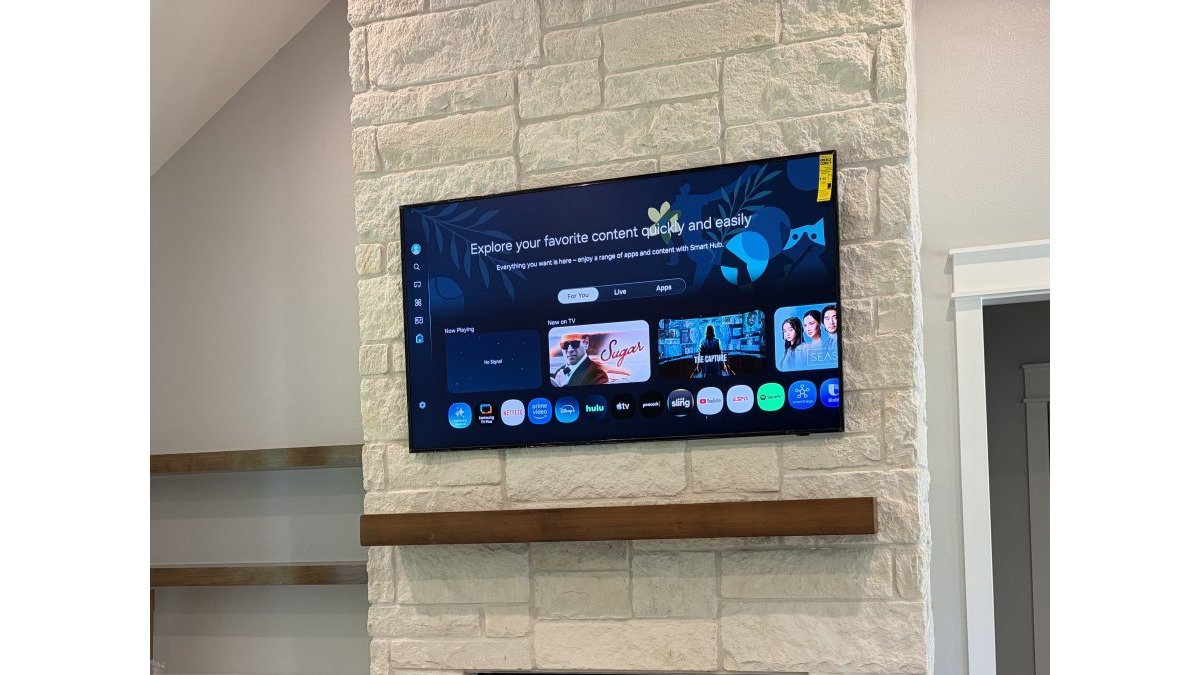
- Wall mounting the TV, including locating studs and confirming the right height
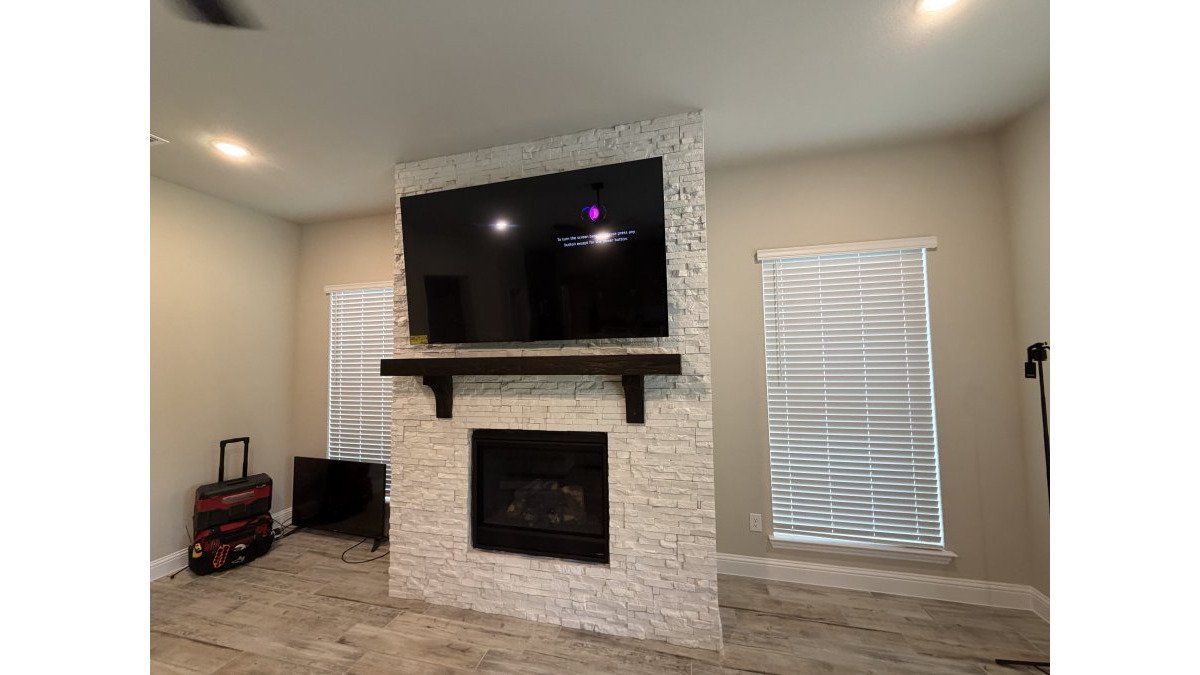
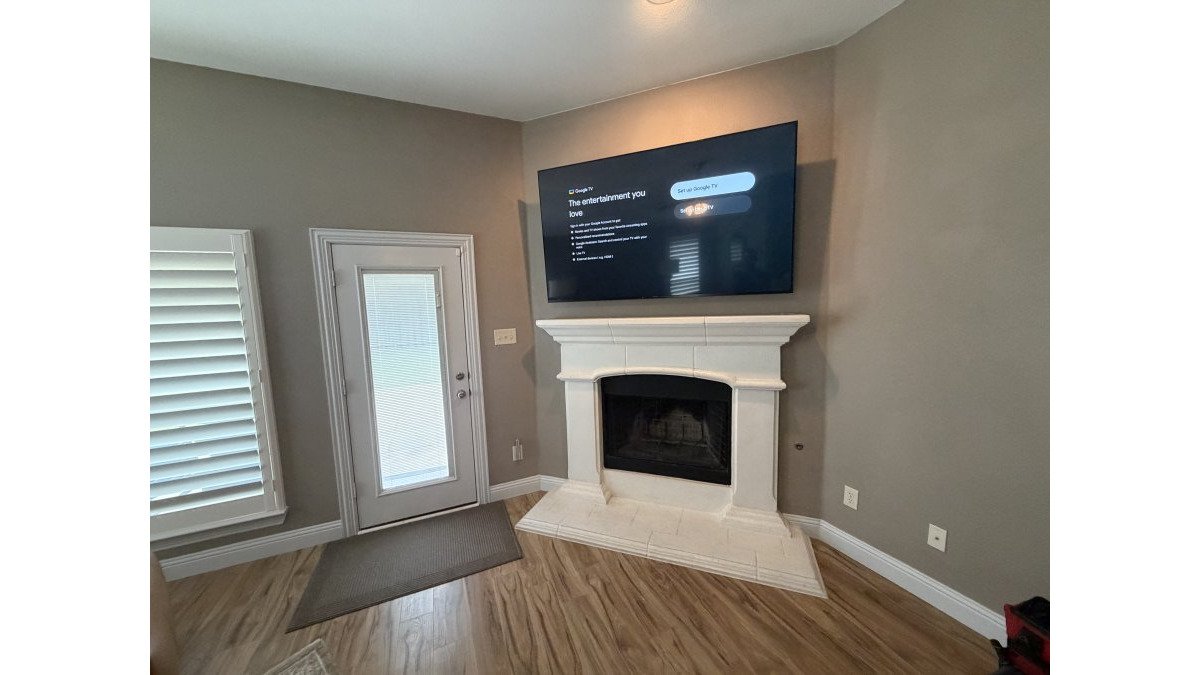
- Running in-wall TV cables and hiding power, HDMI, and speaker wire
- Installing and aiming surround sound speakers and a subwoofer
- Connecting media players, streaming devices, and audio equipment
- Testing the network so streaming stays stable
The Consumer Technology Association's home technology resources notes that proper calibration and placement separate a system that works from one that performs. That distinction is the whole reason to hire a professional rather than guess.
When to Hire a Home Theater Installer (and When You Can DIY)
Projects most confident DIYers can handle
- Mounting a single TV on a flat drywall wall with a basic tilting mount and a soundbar underneath
- Connecting a streaming stick, a game console, and a soundbar with cables that stay visible
- Placing a wireless subwoofer and two powered bookshelf speakers near the TV
- Swapping out an existing receiver for a new one using the same cables
These jobs usually need a stud finder, a level, a drill, and a couple of hours.
Projects where professional installation pays for itself
- Hiding TV wires inside the wall, which means fishing low-voltage cable through stud bays and planning an outlet location behind the display
- Installing in-wall or ceiling speakers, which requires cutting drywall, running speaker wire, and matching speaker placement to your seating
- Setting up 5.1 or 7.1 surround sound with a receiver, subwoofer, and multiple source devices that all need to be assigned to the right inputs
- Adding network cabling so streaming, gaming, and smart home devices do not fight over Wi-Fi
- Mounting a large display on brick, stone, or a wall where stud locations are unclear
A simple rule of thumb
If your project involves opening a wall, running cable behind drywall, or making more than three devices talk to each other, hire a professional.
If you are on the fence, the free-estimate step costs you nothing and often clarifies the scope faster than researching for another weekend.
How to Book Home Theater Setup Service: 6 Steps
Booking a home theater setup service is a six-step process: define your scope, request a free estimate, compare quotes, schedule the install, prepare the room, and test the finished system. Here is how each step works.
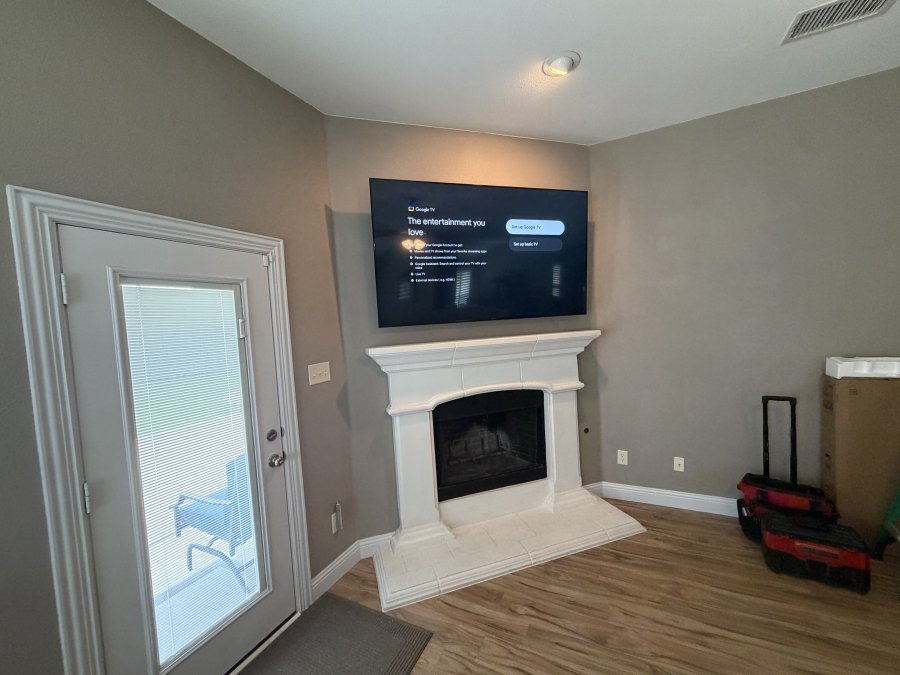
Step 1: Define Your Project Scope and Room
Write down what you want before you call anyone. Note the room size, the wall you plan to use, whether the walls are drywall or something harder, and whether you want a soundbar or full surround sound. Photos of the space save time later.
Step 2: Request a Free Estimate and Share Photos
Send your notes and photos when you request a quote. A local installer can usually give a useful estimate from clear pictures and a short description. Mention any smart home devices you already own so the plan accounts for them.
Step 3: Compare Quotes and Confirm the Scope in Writing
Compare installers on scope, not just the bottom line. Ask what is included: cable runs, mounting hardware, speaker calibration, cleanup. Get the agreed scope in writing so there is no confusion on install day.
Step 4: Schedule the Install and Prep Your Room
Pick a date and clear the area beforehand. Move furniture away from the work wall, take valuables off shelves, and make sure someone is home to answer questions.
Step 5: Installation Day and What to Expect
Expect the installer to confirm placement with you before drilling. Good crews protect floors, keep the work area tidy, and walk you through progress as they go.
Step 6: Test the System and Learn Your Controls
Before the installer leaves, test everything together: picture, sound, streaming, and any smart controls. Ask for a walkthrough of inputs and remotes so you can run it yourself.
| Step | What Happens | Your To-Do |
|---|---|---|
| 1. Define scope | Note room, wall, and audio goals | Take photos |
| 2. Request estimate | Share details for a quote | List existing devices |
| 3. Compare quotes | Confirm scope in writing | Ask what's included |
| 4. Schedule | Set a date | Clear the room |
| 5. Install day | Mounting, wiring, setup | Be available for questions |
| 6. Test and learn | Verify system, get walkthrough | Practice the controls |
Your Home Theater Setup Checklist Before Booking
Most guides stop at 'measure your room and take photos.' That is the easy part. The harder part is comparing what different installers actually promise, because two quotes for the same room can cover very different work.
Room and project details to gather
- Room dimensions and the exact wall you plan to use for the display
- Photos of the space, including outlets, existing cables, and any furniture that stays
- Whether the wall is drywall, brick, stone, or paneling
- Whether you want a soundbar, a full surround sound system, or in-wall speakers
- List of devices you already own (streaming box, game console, receiver, speakers)
Questions to ask every installer before you compare quotes
This is the part most homeowners skip, and it is where quotes stop being apples-to-apples.
- Scope of work: Does the quote cover mounting, cable runs, speaker installation, equipment connections, and system testing, or only part of it?
- Materials: Are mounting hardware, wall plates, cable, and conduit included, or billed separately?
- Cable routing: Will cables run inside the wall, through surface conduit, or stay exposed? Get the answer in writing.
- Power: If an outlet is needed behind the TV, does the installer coordinate with an electrician, or is that on you?
- Wall repair: Who patches and paints after cable runs, and is that in the quote?
Red flags in a quote
- A price given without any questions about your room or equipment
- No written scope, only a verbal description
- Unwillingness to explain how cables will be routed
- A promise to handle line-voltage electrical work without mentioning a licensed electrician
- No mention of what happens if a stud cannot be found where the TV needs to go
Ask each installer the same questions in the same order. When the answers sit side by side, the differences in scope become obvious, and the cheapest quote often turns out to be the one that covers the least.
If you would rather skip the comparison shopping, All Around Technologies LLC is happy to walk you through our scope in plain language before you commit to anything.
Home Theater Installation Preparation: How to Get Your Room Ready
Home theater installation preparation comes down to access and clear expectations. The more open the work area, the faster and cleaner the install. You do not need to do anything technical, just make room.
Before the installer arrives:
- Clear furniture and decor from the work wall
- Remove items from shelves near the mounting area
- Secure pets in another room
- Confirm parking and entry access
- Have your device passwords ready if setup requires them
If you are unsure whether a wall can support a large display or where studs sit, leave that to the installer. Guessing at structure is how TVs end up in drywall alone.
Home Theater Speaker Placement: What Installers Plan For
Home theater speaker placement is the step that decides how the room actually sounds. Installers plan speaker positions around your seating, not around what looks tidy on the wall. A center channel belongs at ear level near the screen, surrounds go to the sides or slightly behind the seating, and a subwoofer often works best out of a corner.
What we plan for on a typical job:
- Seating position and how far it sits from the screen
- Speaker height relative to ear level
- Whether in-wall speakers suit the room or freestanding ones work better
- Subwoofer placement to avoid boomy, uneven bass
- Cable routes that stay hidden and out of traffic
Room shape, furniture, and hard surfaces all affect sound. Placement is the cheapest way to improve it, which is why it is worth getting right the first time.
Hidden TV Wires and Cable Management: What to Ask About
Hidden TV wires are the difference between a clean wall and a tangle of cables. Ask any installer how they plan to route power, HDMI, and speaker wire before they start. The best answer involves in-wall runs and a plan for the outlet behind the TV.
Questions worth asking:
- Will cables run inside the wall or through surface conduit?
- How will the power outlet behind the TV be handled?
- Are HDMI, Ethernet, and speaker wire kept separate from line-voltage wiring?
- What happens to the wall afterward, and who patches and paints?
Low-voltage cables such as HDMI, Ethernet, and speaker wire can typically be run in-wall as part of a setup. Line-voltage electrical work is a different job.
Homeowners who want a clean, wire-free wall and reliable streaming, and who would rather have the wiring, mounting, and network done in one coordinated visit.
Conclusion: Request a Quote When You're Ready
The hardest part of booking a home theater setup service is often just deciding to start. Once you know your scope, request a free estimate, and compare quotes on what is actually included, the rest moves quickly.
If you would rather hand the whole project to a team that does this every day, All Around Technologies LLC can help.
Get started with All Around Technologies LLC and request a quote for your home theater project.
Frequently Asked Questions
What does a professional home theater setup include?
A typical home theater setup includes mounting the TV, installing surround sound speakers and a subwoofer, connecting streaming devices and audio equipment, hiding cables in the wall, and tuning the system so everything works together. Installers also handle network connections for streaming and may set up smart controls. The exact scope depends on your room and equipment, so ask for a written list of what's included before you book home theater setup service.
How do I prepare my room for home theater installation?
Clear the area around the TV wall, remove fragile items, and make sure an adult is home to answer questions. Decide where you want the screen and seating before the crew arrives. If you plan to add outlets or move line-voltage wiring, arrange for a qualified electrician first, since low-voltage cables like HDMI and speaker wire are handled separately. A simple home theater setup checklist and clear communication keep installation day running smoothly.
Can an installer mount my TV and hide the cables?
Yes. Professional TV mounting usually includes securing the bracket to studs, leveling the screen, and routing low-voltage cables such as HDMI and speaker wire through the wall for a clean look. Installers do not run standard power cords inside a wall; if a new outlet is needed behind the TV, that's line-voltage work for a licensed electrician. Ask about hidden TV wires and in-wall cable options when you request your quote.
What should I ask before booking a home theater setup service?
Ask what the quote covers, who supplies the mounting hardware and cables, whether drywall patching is included, and how the installer handles network and streaming setup. Confirm scheduling windows, cleanup expectations, and what happens if something needs adjustment after the visit. Get the scope in writing so you can compare installers fairly. A clear project quote helps you avoid surprise charges and ensures your home theater installation matches what you pictured.