 How-to
How to Hide TV Wires on a Wall Without Cutting Into It
Last Updated: November 15, 2026
Quick Summary
To hide TV wires without cutting into the wall, route the cables behind the TV and down the mount, or run them through a paintable surface raceway. Low-voltage signal cables can also go in-wall with a kit, but a standard power cord should never be run inside a wall. Furniture or decor can conceal runs for renters.
- No-cut options include mount-based routing, surface raceways, and furniture or decorative concealment.
- Low-voltage cables like HDMI, Ethernet, coaxial and speaker wire are the ones generally suited to in-wall routing.
- Never run a standard power cord or extension cord inside a wall; line-voltage wiring needs a qualified electrician.
- Use a stud finder and wire detector before cutting any opening in the wall.
- Hook-and-loop straps are preferred over tightly cinched zip ties, which can pinch HDMI cables.
Table of Contents
- Why Visible TV Cables Are Worth Hiding and What Your Options Are
- Low-Voltage Cables vs. Line-Voltage Power Wiring: What You Can Safely Conceal
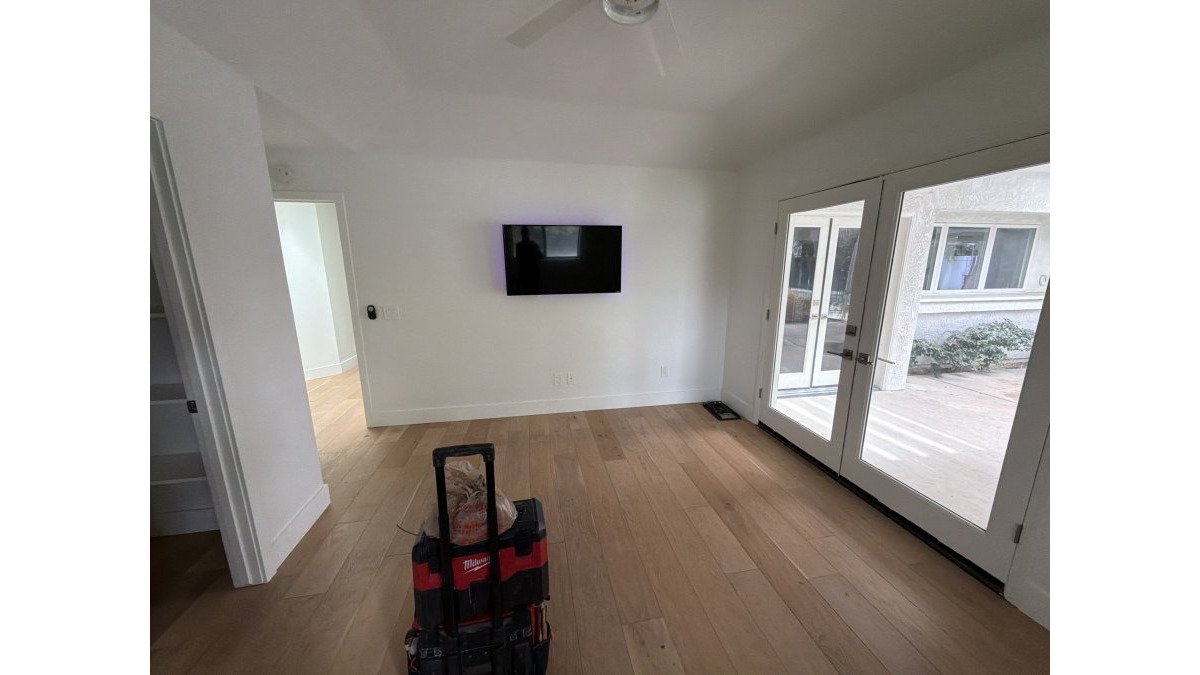
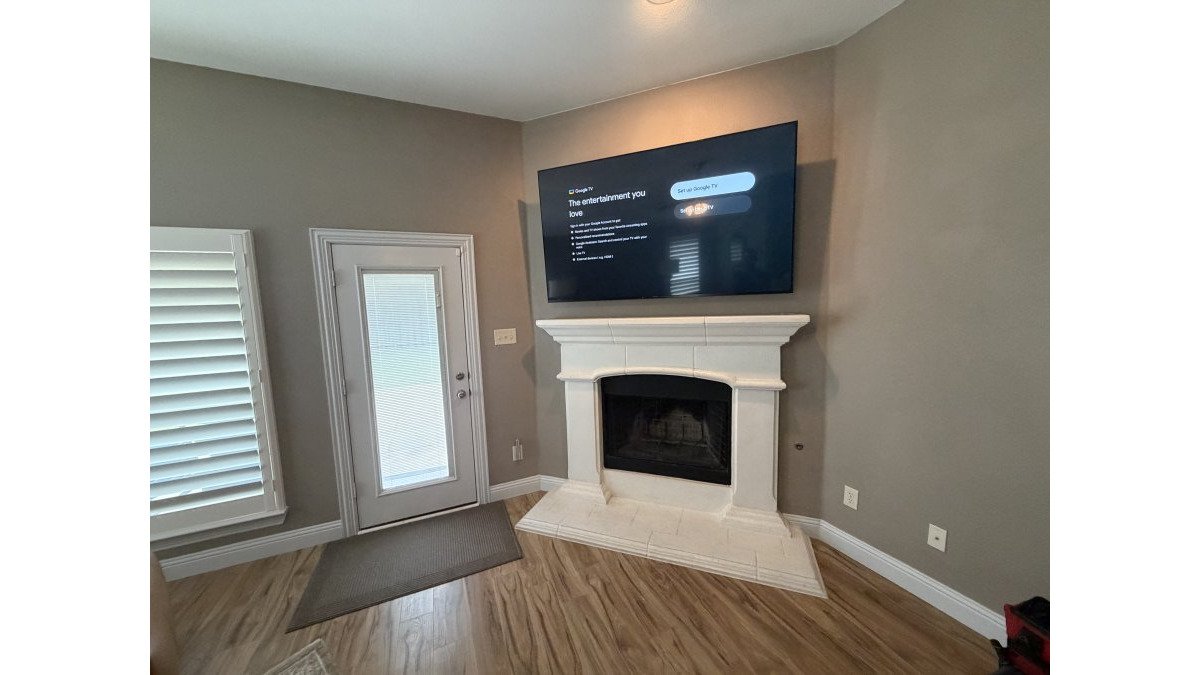
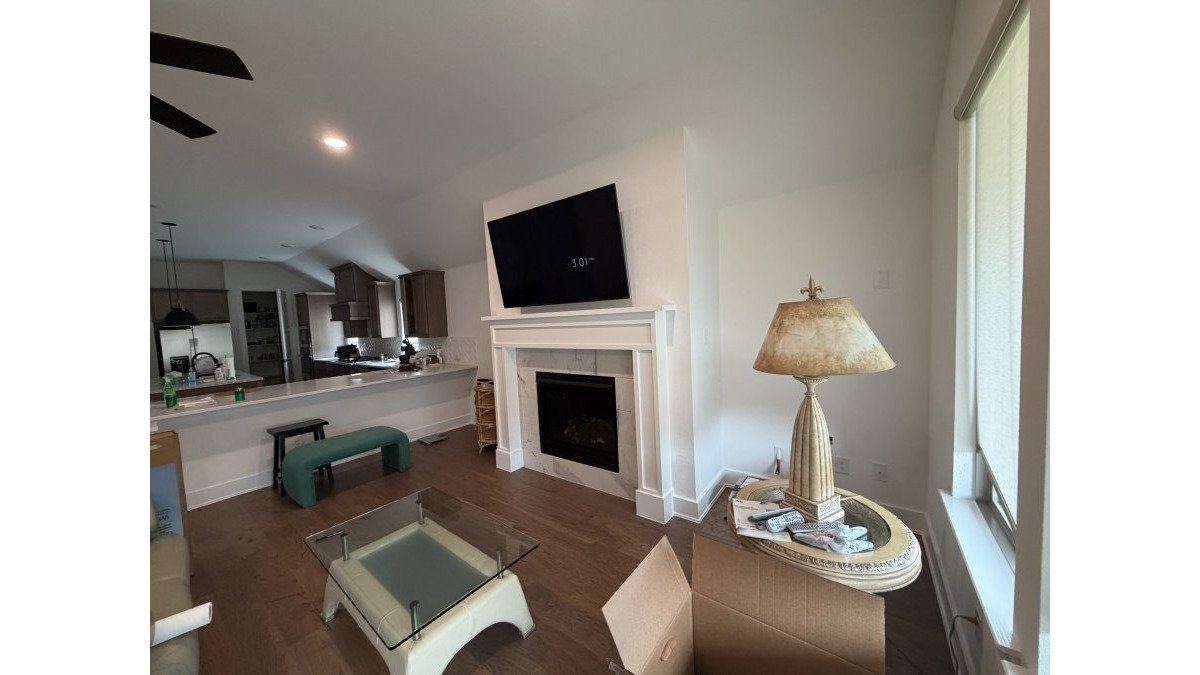
- How to Hide TV Wires from a Mounted TV Without Cutting the Wall
- Using a Cable Raceway to Hide TV Wires Along the Wall
- Hide TV Wires in Wall Kit: Step-by-Step In-Wall Installation
- How to Hide TV Wires Renter-Friendly Without Damaging the Wall
- When to Hire a Professional to Hide Your TV Wires
- Frequently Asked Questions
Why Visible TV Cables Are Worth Hiding and What Your Options Are
Visible TV cables are one of the most common complaints homeowners have after mounting a flat-screen. A wall-mounted TV looks sleek, but the dangling power cord, HDMI cable and speaker wire can undo the clean look.
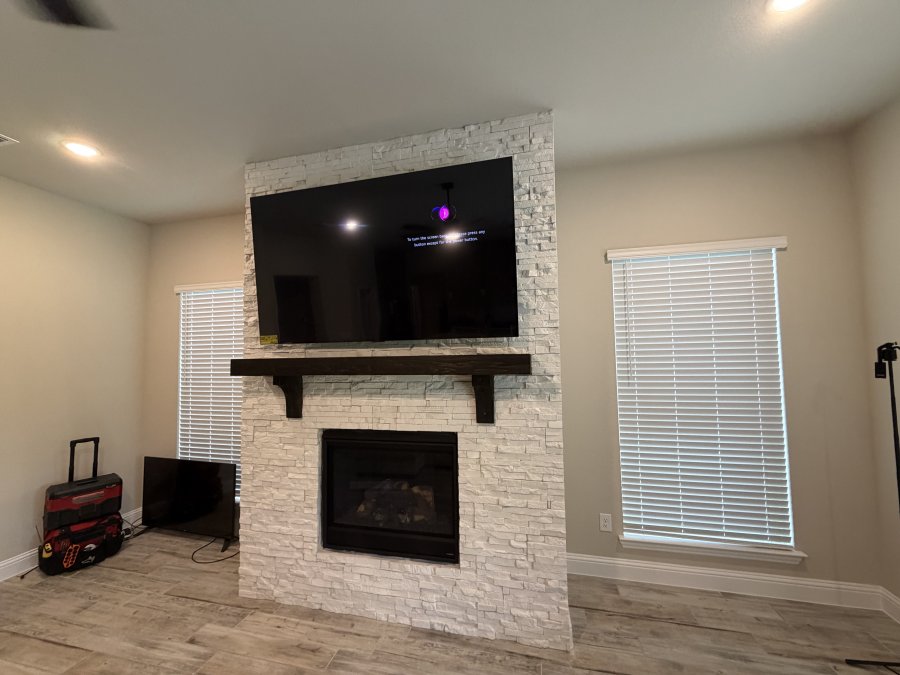
At All Around Technologies LLC, we help homeowners in Royse City and nearby communities plan TV installations that look tidy from day one. You do not always need to open the wall to get a clean result, the right option depends on your wall and your comfort with tools.
The main options fall into a few groups:
- Surface cable covers and raceways that run along the wall and hide wires in a paintable channel
- Routing wires behind the TV and along the mount so they stay out of sight
- In-wall routing for low-voltage cables, which requires cutting a small opening
Low-Voltage Cables vs. Line-Voltage Power Wiring: What You Can Safely Conceal
Before you hide anything inside a wall, know the difference between two types of cables. For the full process, see our step-by-step guide to hiding TV wires in the wall. Low-voltage cables carry signal, not household power.
Line-voltage wiring carries household electricity, such as the standard power cord that plugs into an outlet. Never run a standard power cord or extension cord inside a wall.
Watch out: Cutting into a wall without checking for wiring, pipes or studs can cause damage and injury.
Before you hide anything inside a wall, the two cable types behave very differently, as the table below shows.
| Cable type | Examples | Safe inside a wall? |
|---|---|---|
| Low-voltage (signal) | HDMI, Ethernet, coaxial, speaker wire | Generally safe with rated materials and care |
| Line-voltage (power) | Standard power cord, extension cord | Never run in a wall; needs a qualified electrician |
| Power wiring inside walls | Household electricity | Installed only by a qualified electrician |
How to Hide TV Wires from a Mounted TV Without Cutting the Wall
Not every clean install requires opening drywall. If your TV is already on a mount, or you are planning one, you can hide most of the clutter by working with the space behind the panel and the path down to the outlet. If you would rather have the job handled, professional TV mounting with cable management is available in Sunnyvale.
Before you start, decide which of these three no-cut approaches fits your room:
- Mount-based routing, the cables stay entirely behind the TV and travel down the back of the mount to the outlet. Best when the outlet sits roughly below the TV and the mount has room behind the panel.
- Surface raceway, a paintable channel runs down the wall from the TV to the outlet or media console. Best when the outlet is offset or the wall is masonry, tile, or plaster you do not want to cut.
- Furniture and decor concealment, a media console, cord cover, or decorative panel hides the run. Best for renters and for rooms where the TV sits above a piece of furniture.
Mount-based routing, step by step
- Measure the path first. Note the distance from the back of the TV to the outlet, and from the TV to any soundbar, cable box, or streaming device, so you buy the right length of cable and raceway.
- Check the mount for a channel. Many fixed and articulating mounts include a routing channel or pass-through behind the panel. If yours does, use it, it keeps cables off the wall entirely.
- Bundle with hook-and-loop straps, not zip ties. Hook-and-loop lets you add or swap a cable later without cutting the bundle. Zip ties cinched tight can pinch an HDMI cable and cause intermittent signal drop.
- Leave a service loop. Keep 6 to 12 inches of slack coiled behind the TV so you can pull the TV forward to clean or swap a device without unplugging everything.
- Run the bundle to the outlet or console. If the outlet is directly below, the run is short. If it is offset, transition to a surface raceway rather than stretching cables diagonally across the wall.
Surface raceway without screws
Adhesive-backed raceways are the workhorse of no-cut installs. Clean the wall with isopropyl alcohol and let it dry fully before applying, dust and kitchen film are the most common reasons adhesive raceways let go.
Watch out: adhesive raceways can pull paint or texture off older walls on removal. Test a small hidden spot first, and remove slowly with gentle heat from a hair dryer rather than yanking.
Furniture and decor concealment
A media console with a closed back and a cable-management cutout hides the run from the TV down to the equipment. A decorative panel, tall plant, or slim cabinet beside the TV can screen a vertical run without touching the wall, the most renter-friendly option because nothing is fastened to the drywall.
Which no-cut method fits your situation?
- Renting or moving soon: furniture and decor concealment, or adhesive raceway with a hidden-spot test.
- Masonry, tile, or plaster wall: surface raceway; cutting these materials is a much bigger job than drywall.
- Outlet directly below the TV: mount-based routing alone may be enough.
No-cut methods will not be fully invisible, but done carefully they keep cables tight to the wall, protect your deposit, and stay easy to change when your equipment does.
Using a Cable Raceway to Hide TV Wires Along the Wall
A cable raceway is a paintable plastic or metal channel that attaches to the wall and hides wires inside.
Raceways are typically installed with an adhesive backing or small screws, and they come in a range of widths, so choose one large enough for your power cord, HDMI cable and any low-voltage lines.
A common mistake is buying a raceway that is too narrow. Cables crammed into a tight channel can be hard to pull through later and may get damaged when you adjust your setup.
Hide TV Wires in Wall Kit: Step-by-Step In-Wall Installation
An in-wall kit gives the cleanest result because the cables disappear entirely. It is also the step where most DIY problems happen, so treat the safety checks as the main event, not a formality.
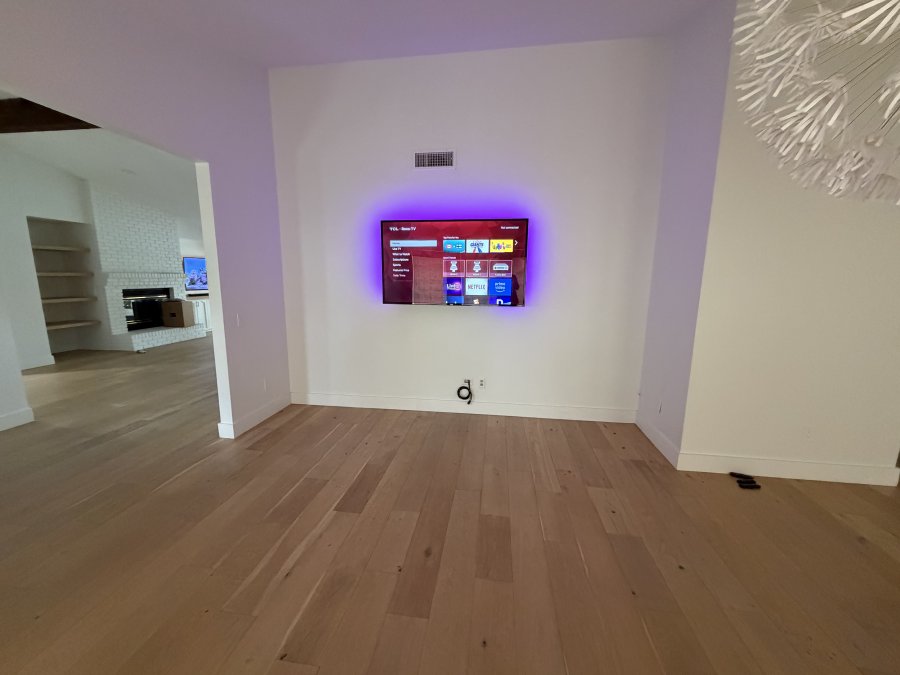
First, confirm what is allowed in the wall
In-wall kits are designed for low-voltage cables: HDMI, Ethernet, coaxial, optical audio, and speaker wire. To compare these steps with what a hired installer does, read our guide to professional TV mounting service. They are not a path for a standard power cord or extension cord. Running household power inside a wall is line-voltage work that must be handled by a qualified electrician, and local code requirements may apply.
Safety checks before you cut
- Locate studs. Mark stud edges with a stud finder so you know whether your box lands on a stud or in the cavity between them. A low-voltage box needs a clear cavity; a stud in the wrong spot means moving the opening.
- Scan for wiring and plumbing. Use a wire and metal detector across the full cut area, not just the center point. Pipes and electrical runs do not always follow studs.
- Check for fire blocking and insulation. Horizontal blocking inside the cavity will stop a fish tape, and dense insulation makes pulling much harder. If you hit blocking, you may need a different path or a professional.
- Turn off the breaker for any circuit near the cut, and keep the area clear of dust and debris.
- Confirm the wall is drywall. Plaster, tile, and masonry behave very differently and are usually better left to a pro.
Watch out: cutting into a wall without scanning for wiring and pipes can cause damage and injury. If a detector gives an inconsistent reading, stop and get a second opinion before cutting.
Step-by-step installation
- Trace the box template at the top opening behind the TV and the bottom opening near the equipment, using a level to keep them aligned.
- Cut slowly with a drywall saw, scoring the outline first so the paper face does not tear.
- Install the low-voltage boxes or plates per the kit instructions, securing them to the drywall or a stud as directed.
- Fish the cables with fish tape or the kit's pull line, guiding each cable from the top opening to the bottom. Tape the cable ends to the fish tape so they do not snag.
- Size the pathway for the future. Leave room for an extra HDMI, an Ethernet run, or an optical audio cable so you are not reopening the wall when you add a device. A spare pull line left in the cavity saves a lot of work later.
- Test every device before you patch. Confirm signal on each cable, then patch, let it dry, and paint to match.
When in-wall work is better left to a professional
If you hit fire blocking, find unexpected wiring, need a new outlet, or are working on plaster or masonry, the job has moved past a simple kit install. At All Around Technologies LLC, we handle hidden TV wire installation, in-wall TV cable routing, and related home theater and network cabling for homeowners and businesses in Royse City, Rockwall, Fate, Greenville, Forney, Garland, Mesquite, and nearby communities.
How to Hide TV Wires Renter-Friendly Without Damaging the Wall
Renters often want clean TV wires without leaving marks behind. Several options work without damage:
- Adhesive cable clips and raceways that remove cleanly with a hair dryer and gentle pulling
- Cord covers that run down the wall and match the paint
- A media console or TV stand with built-in cable management
Read your lease before you use adhesive products, and test a small hidden spot first. Many adhesives can pull paint off older walls, so go slowly when you remove them.
Renter-friendly options will not be fully hidden, but they reduce clutter and protect your deposit.
When to Hire a Professional to Hide Your TV Wires
Some TV cable jobs are simple enough to do yourself. Others are better left to a professional, especially when they involve in-wall work or line-voltage power.
Consider hiring help if:
- You want cables run inside the wall for a clean, finished look
- Your wall has unknown wiring, plumbing or metal framing
- You need power outlets moved or added behind the TV
At All Around Technologies LLC, we handle TV mounting, hidden-wire installation, home theater and audio setups, and related cabling for homes and businesses in Royse City, Rockwall, Fate, Greenville, Forney, Garland, Mesquite and nearby areas. If you would like help planning a clean installation, contact us for a quote.
Frequently Asked Questions
What's the best way to hide TV wires?
The best method depends on your wall, budget, and whether you own the home. Cable raceways are a common choice because they can attach to drywall with adhesive or screws and can be painted to match the wall. In-wall kits give the cleanest finish but require opening the wall and are better suited to homeowners comfortable with that work. Low-voltage cables such as HDMI and Ethernet can be concealed this way, while standard power cords should stay outside the wall and be routed to an outlet. If you are unsure which method fits your setup, All Around Technologies LLC can assess your wall and recommend an approach. Pricing depends on the scope of work, so contact us for a quote.
Can you run HDMI and Ethernet cables inside a wall?
Yes, low-voltage cables such as HDMI, Ethernet, and speaker wire are commonly run inside walls when using a low-voltage cable kit or in-wall rated cable. Use cable rated for in-wall installation, typically labeled CL2 or CL3 for the United States, and keep these low-voltage cables physically separated from line-voltage electrical wiring. Never run a standard power cord or extension cord inside a wall. If you plan to run power to a TV or a new outlet, have a licensed electrician handle that portion, since local electrical codes may apply.
How do I hide TV wires without cutting into the wall?
You can avoid cutting drywall by using a surface-mounted cable raceway, a cord cover that runs along the wall, or a decorative panel that conceals cables behind furniture or artwork. Paint-matched raceways attach with adhesive strips or screws and keep the wall intact. Routing cables along baseboards or behind a media console also works well. These methods are renter-friendly and reversible, which makes them a good fit when you want a clean look without permanent changes.
Can renters hide TV wires without damaging the wall?
Yes. Renters can use adhesive-backed raceways, removable cable clips, cord covers that match the wall color, and furniture arrangements that hide cables. Choose adhesive designed to release without peeling paint, and test it on an inconspicuous area first. Avoid drilling or cutting into the wall unless your lease allows it. If you want a more permanent solution, check with your landlord before making any changes.